Appearance
Linking your music to the game
To link your music to the game, you will need a Last.fm account.
Create a Last.fm account
Go to https://www.last.fm/join and sign up. Remember the username you put in.
Open Applications settings
Go to https://www.last.fm/settings/applications.
Connect Spotify Scrobbling
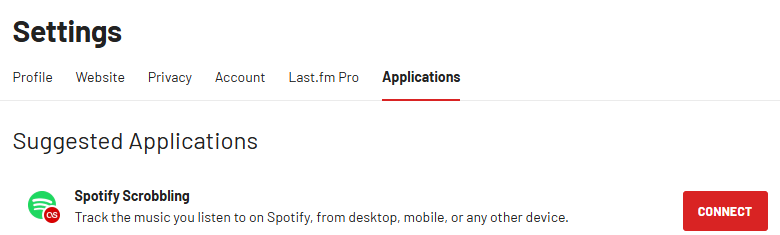
Click CONNECT next to Spotify Scrobbling.
Enter your username in game
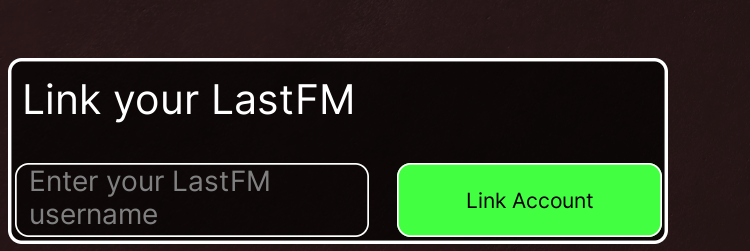
At the bottom left of your screen, you will see this box. Enter the username that you made your account with, and your music will show shortly after.
TIP
More help is provided at https://discord.gg/rmm!
Do not use Spotify?
If you use Apple Music, YouTube Music, local files, or another player, use the non-Spotify guide.